UNREAL ENGINE 5 PLUGINS
InteractiveTools
Make the boring parts of Unreal fast.
Tools for Unreal Engine 5, with guides anyone can follow.
Not a pile of plugins.
A toolbox.
We build tools that stay out of your way. Install one, learn it in five minutes, and get back to making your game.
More on the way
Your whole library, one window.
Packs, meshes, materials and maps from all your projects, with real thumbnails. Search it, tag it, favorite it.
Close enough to touch.
Browse a pack, or search everything at once. Thumbnails make it easy to pick the right one.
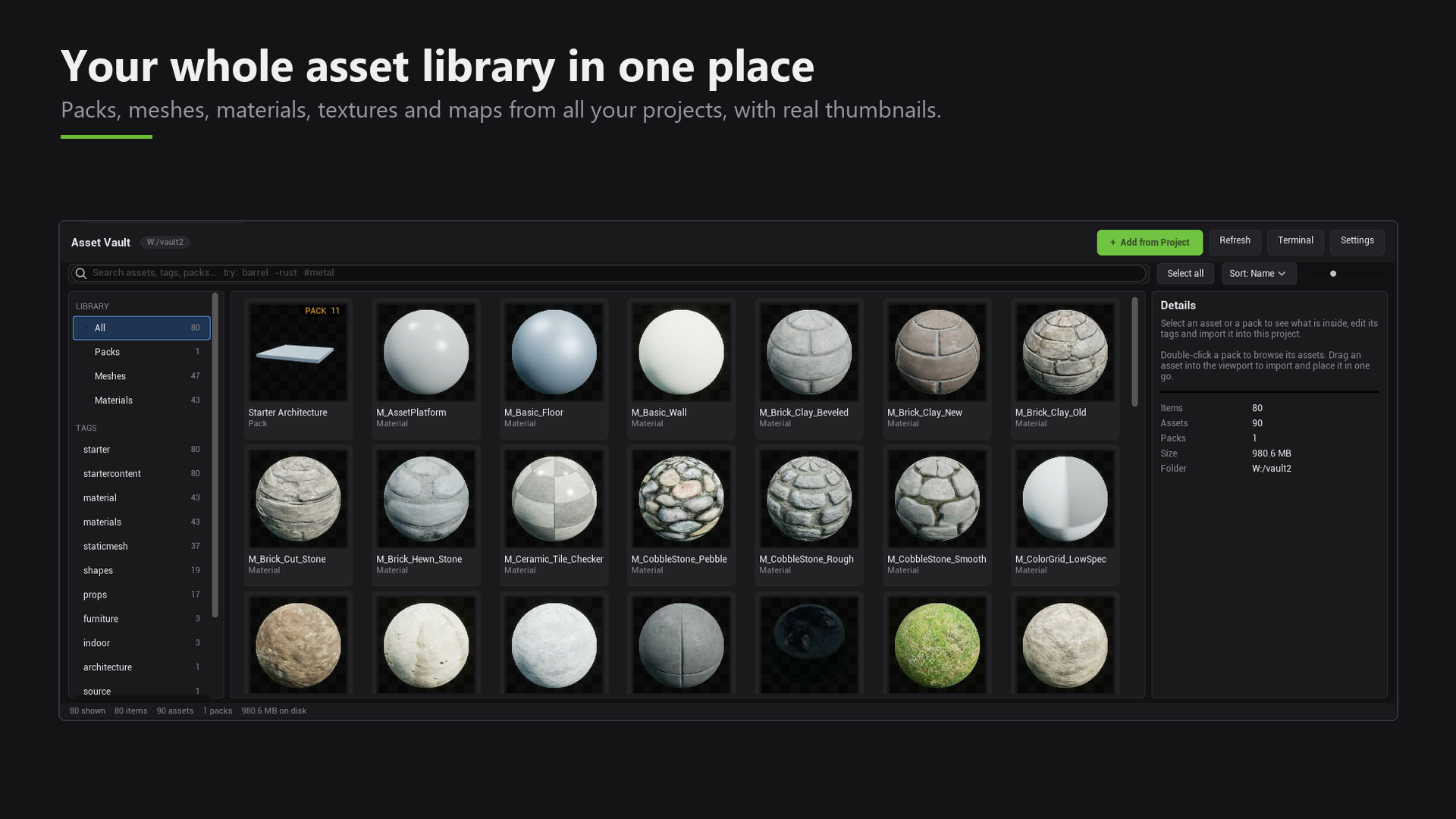 LIBRARY · ALL ASSETS
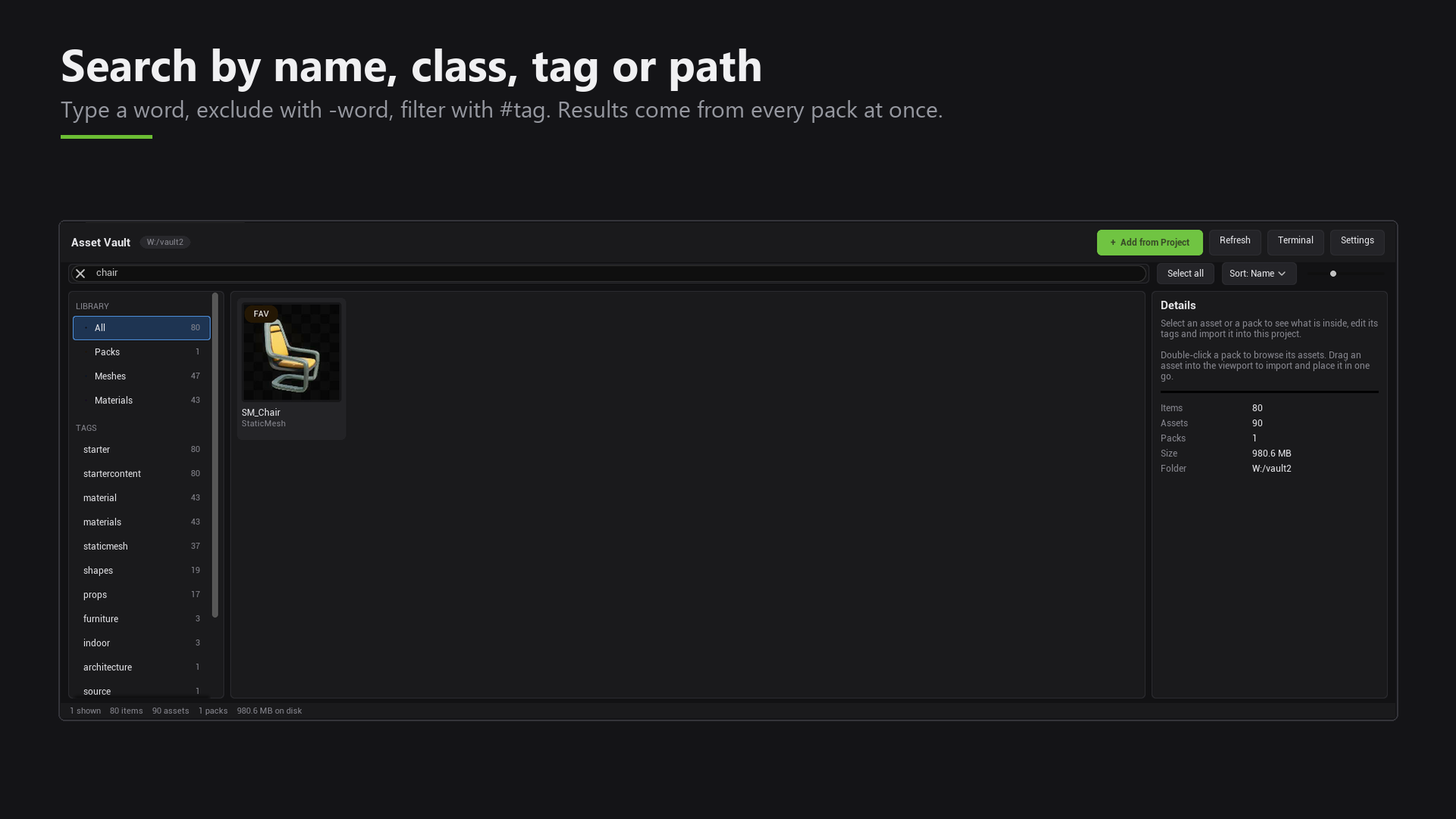 SEARCH · INSTANT
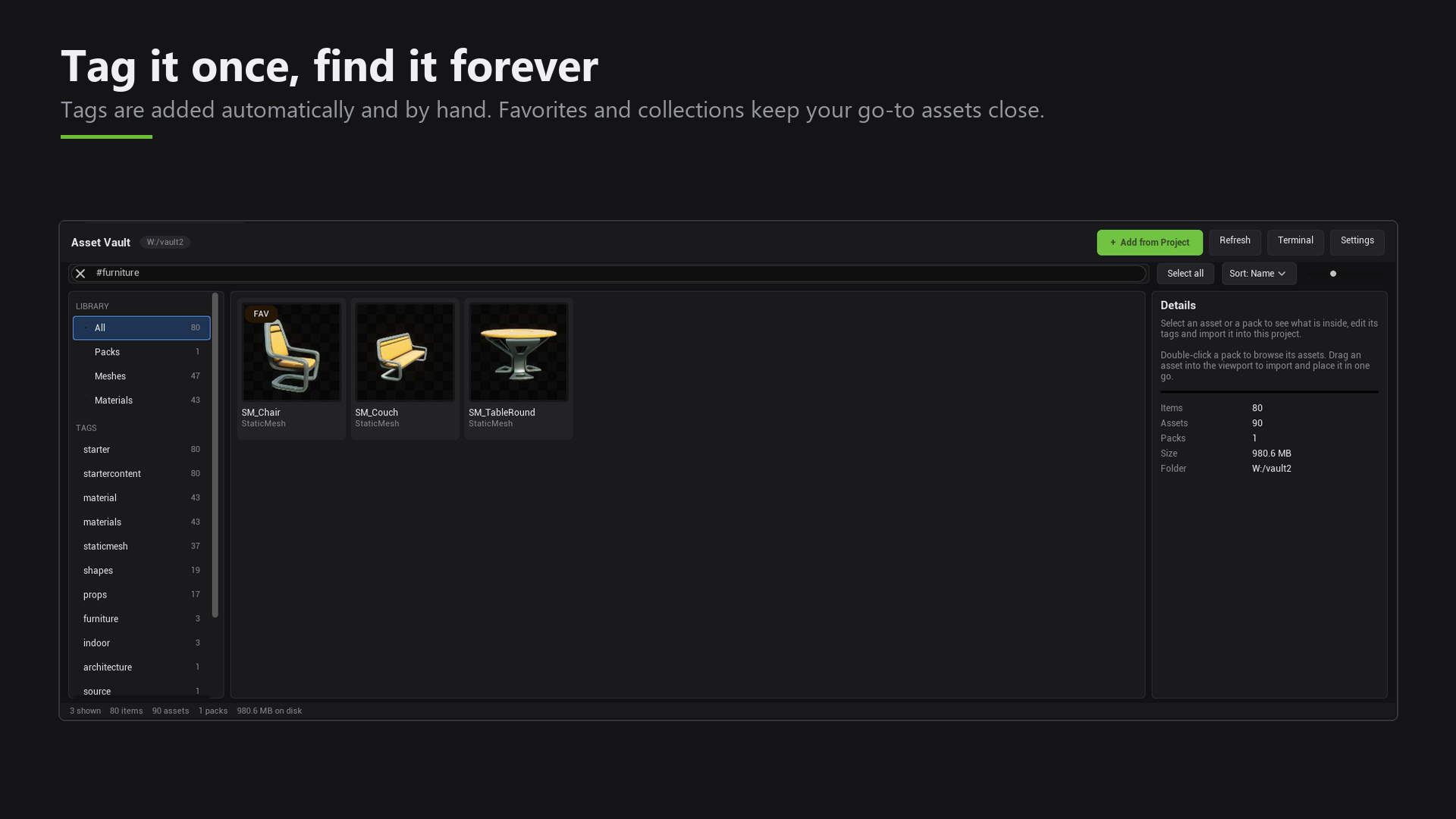 TAGS · FAVORITES
Bring it into any project.
Choose an asset and click Import. Materials and textures come with it, and it shows up in your Content Browser right away.
Nothing left behind.
Your original projects are only read, never changed. Nothing is deleted.
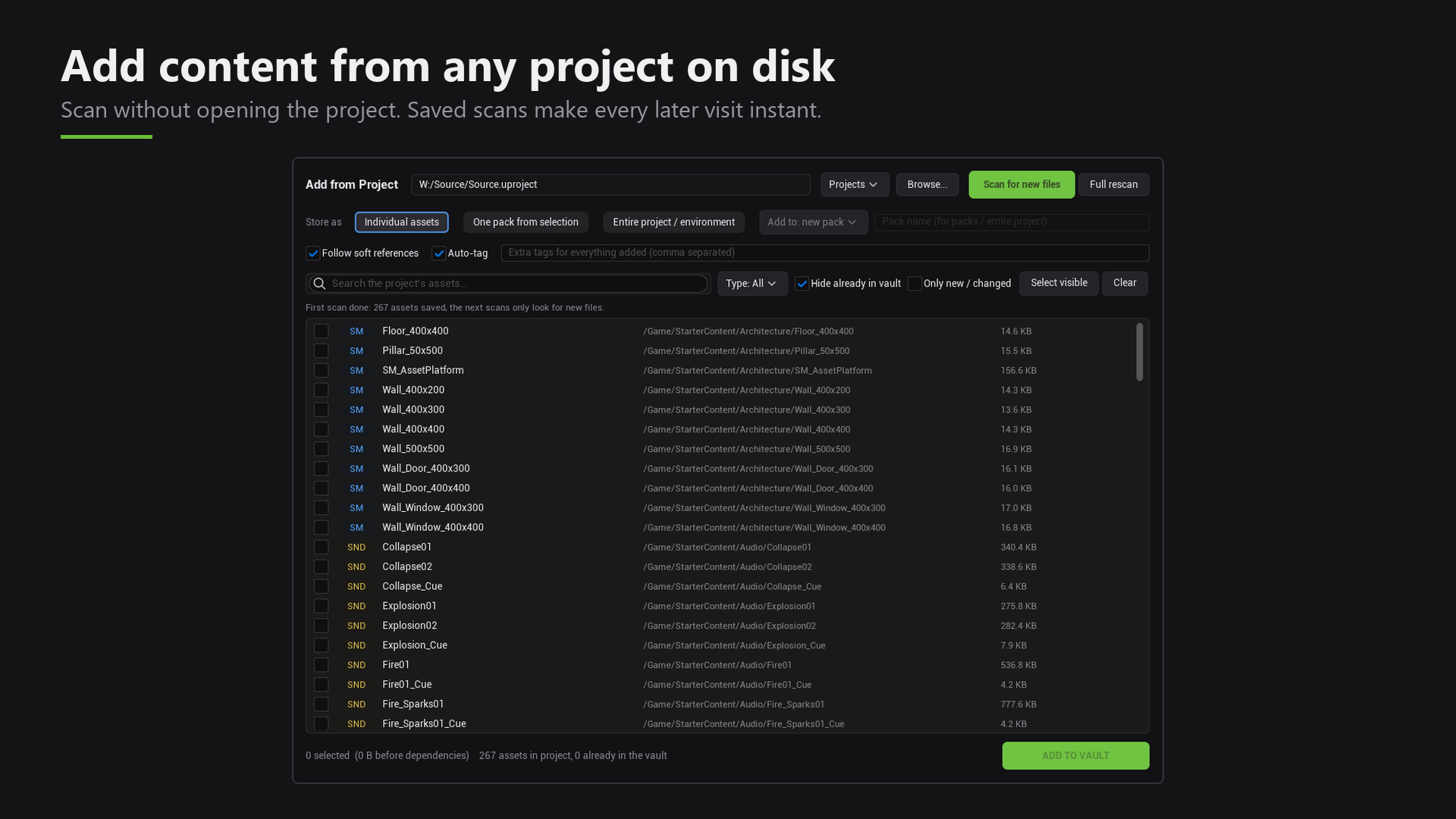 ADD · FROM PROJECT
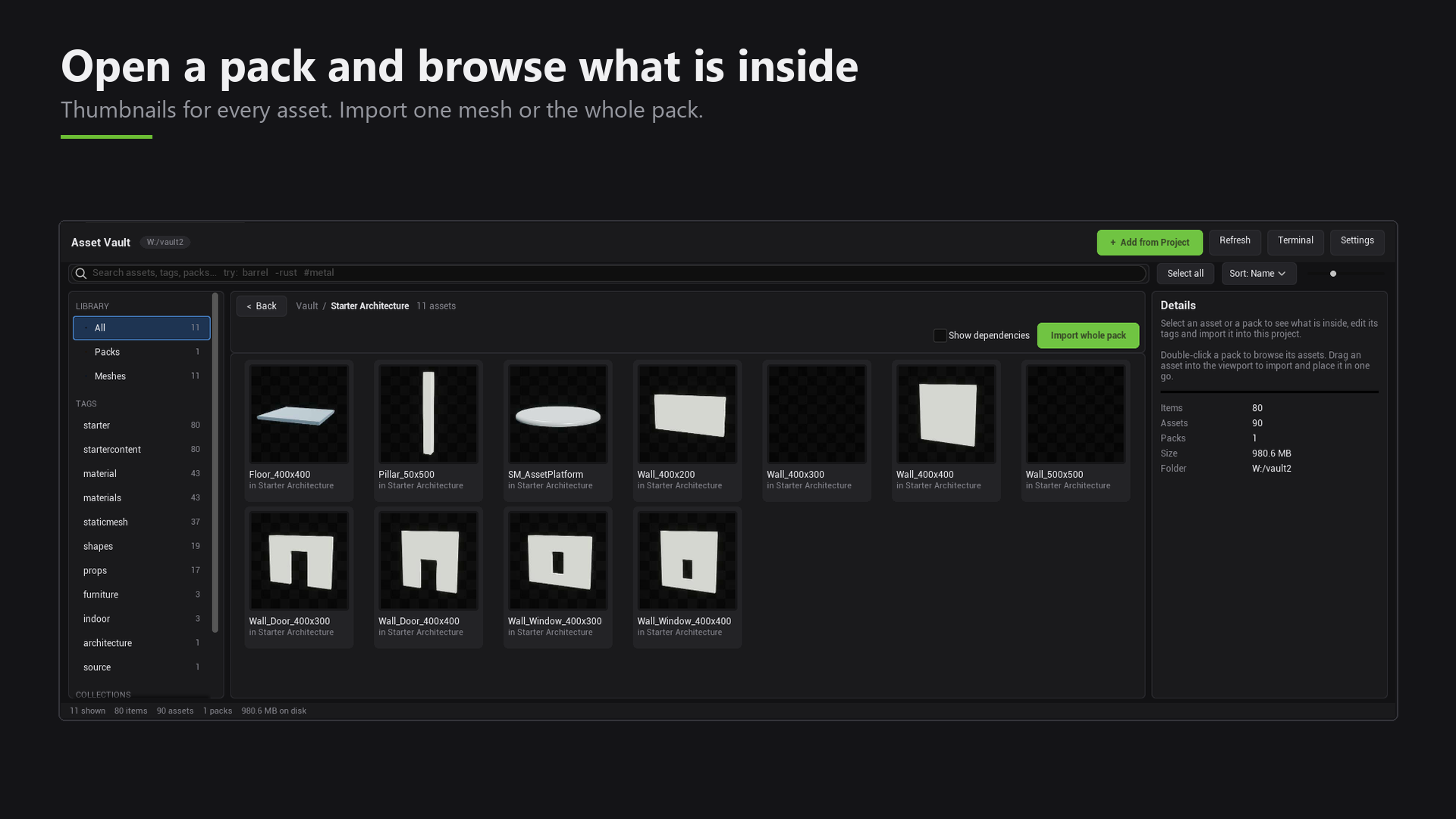 PACKS · BROWSE
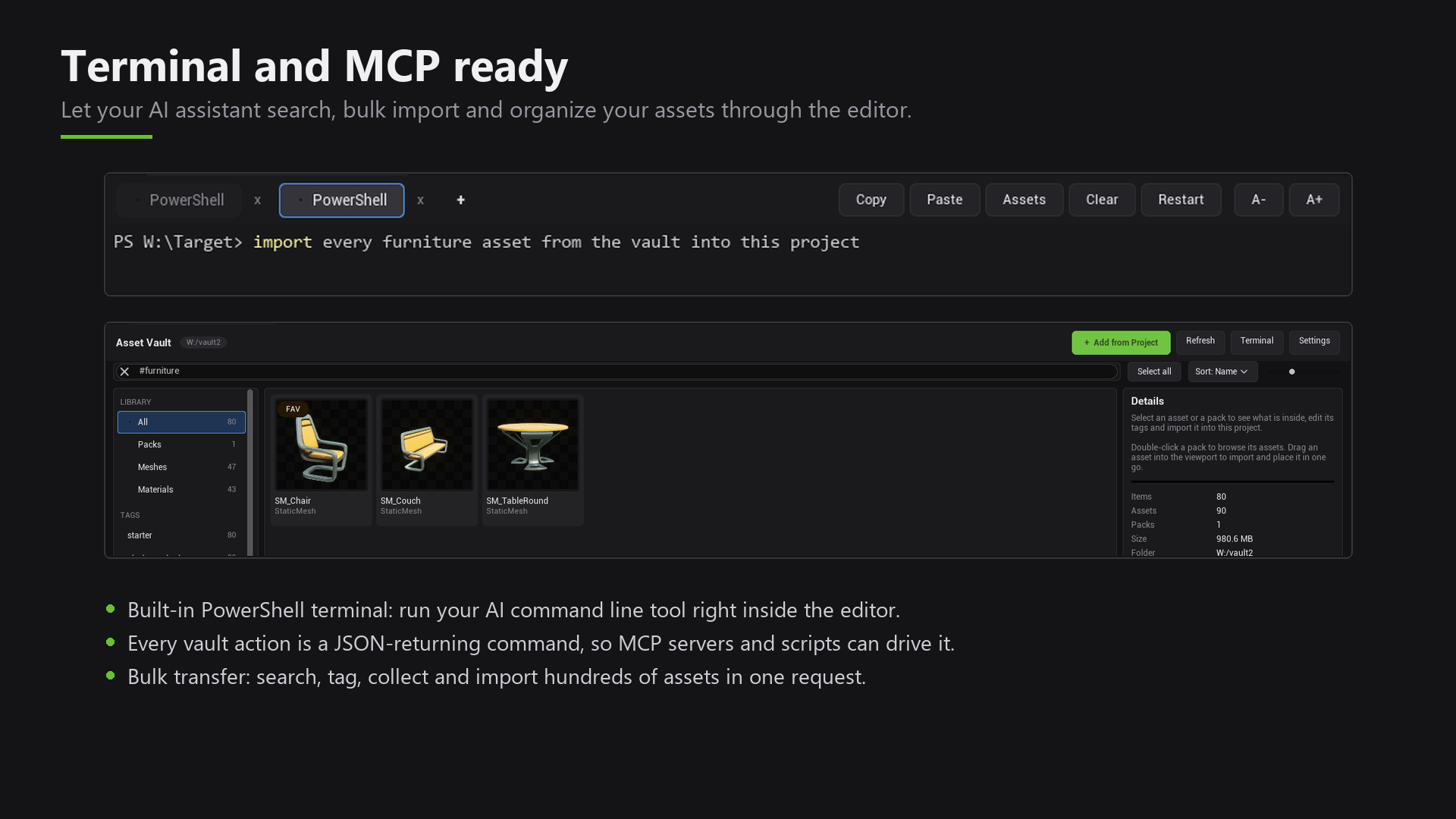 TERMINAL · BUILT IN
Show the tool.
Then show the steps.
Every guide on this site is short, in plain words, with a picture for each step.
Add it once.
Pick a project on your disk and store the assets you want. It does not even need to be open.
Find it in seconds.
Type a word and see results from every pack at once. Add #tags and -words to narrow it down.
Bring it in whole.
Materials and textures come along with your asset. No broken links, no restart.
Work next to your viewport.
A terminal lives inside the editor, so your favorite command line tool or AI assistant is always one click away.
Powerful inside.
Simple outside.
Start with Asset Vault. Read the guide, then get it on Fab.