Finding assets
Browse
Open a pack to see everything inside it.
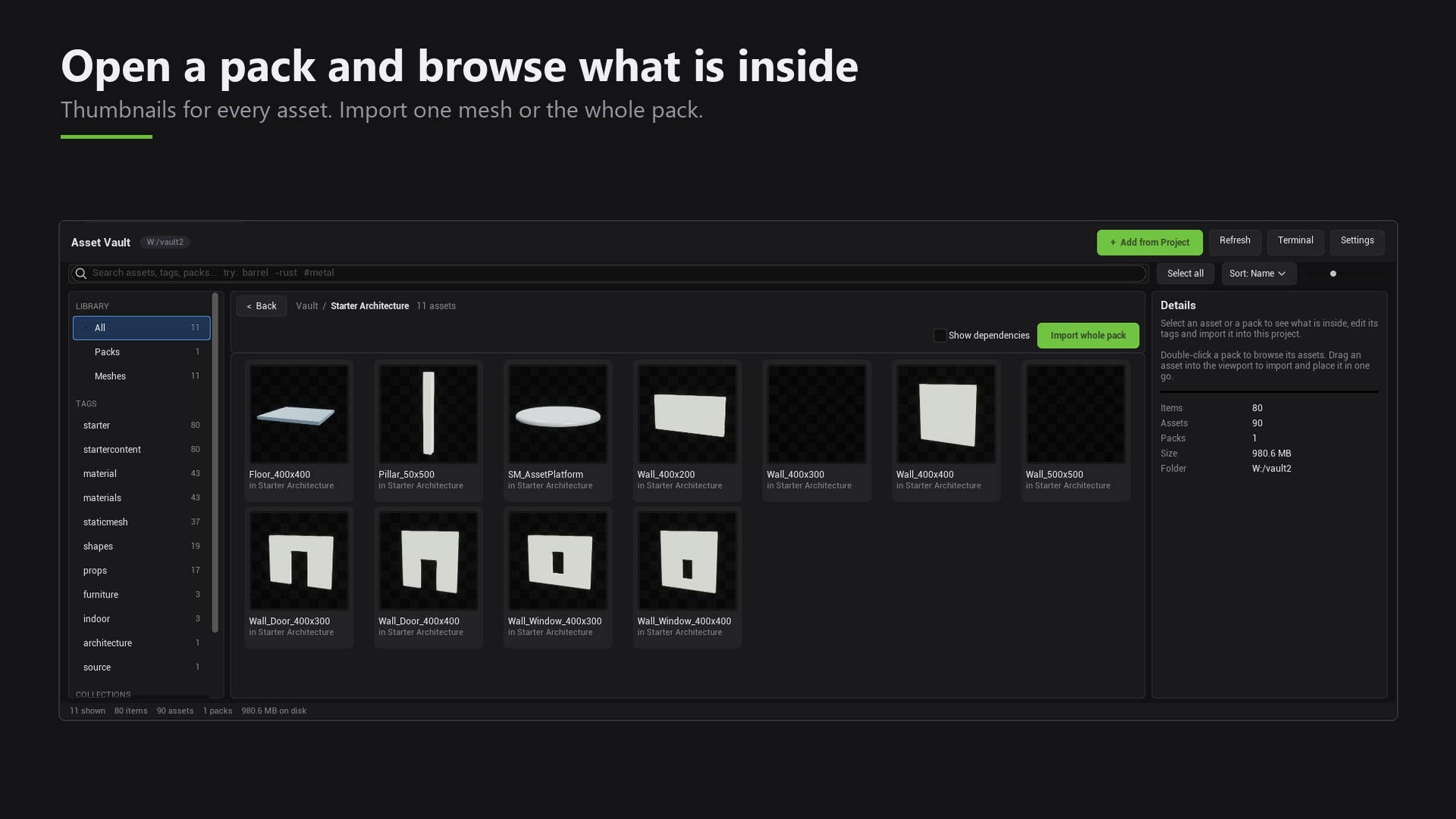
Use the category buttons to narrow the list: Meshes, Materials, Textures, Blueprints, Maps, FX, Audio and Other. You can also sort the results.
Search
Type in the search box to search your whole library at once. You can search by name, type, tag or path.
| Type this | It means |
|---|---|
barrel | contains "barrel" |
-rust | leave out anything with "rust" |
#metal | has the tag "metal" |
You can mix them: chair -broken #wood
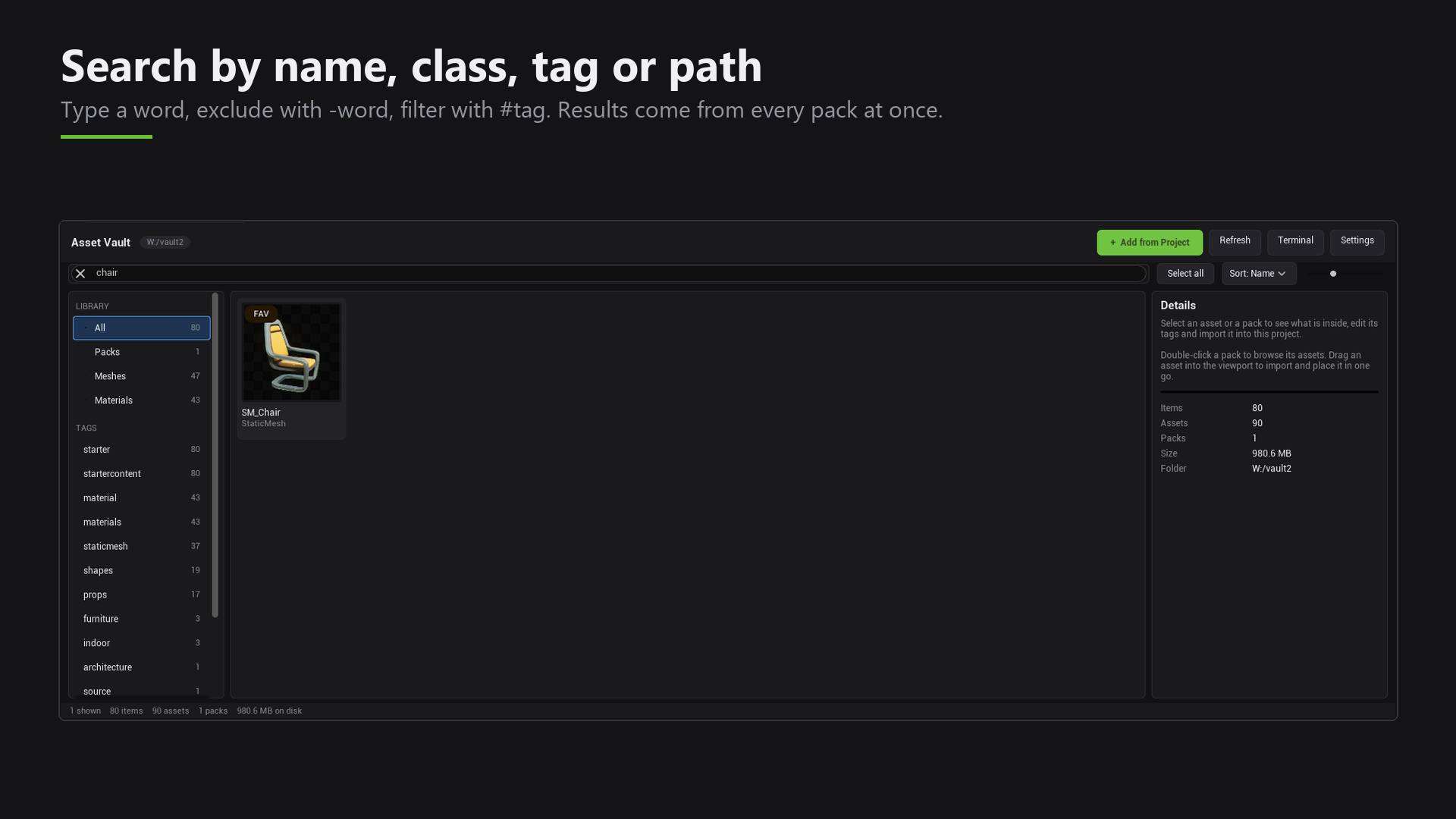
A search shows one flat list. Browsing shows items grouped by pack.
Tags, collections and favorites
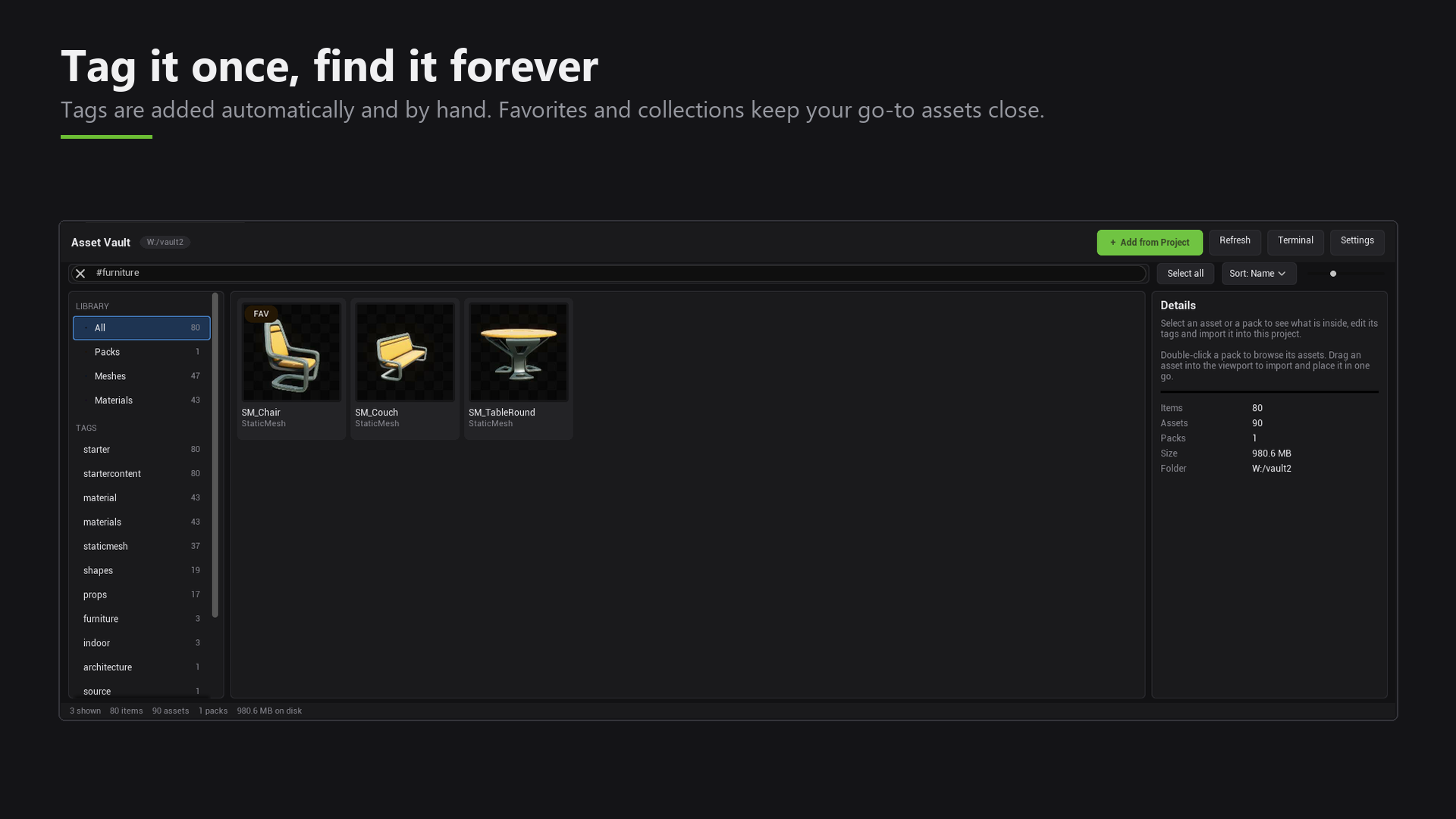
- Tags are short labels. Some are added for you, and you can add your own.
- Collections are groups you make yourself, for example "Forest props".
- Favorites keeps your go-to assets close.