Quick Start
Your first asset in your project in about five minutes.
1. Add something to the vault
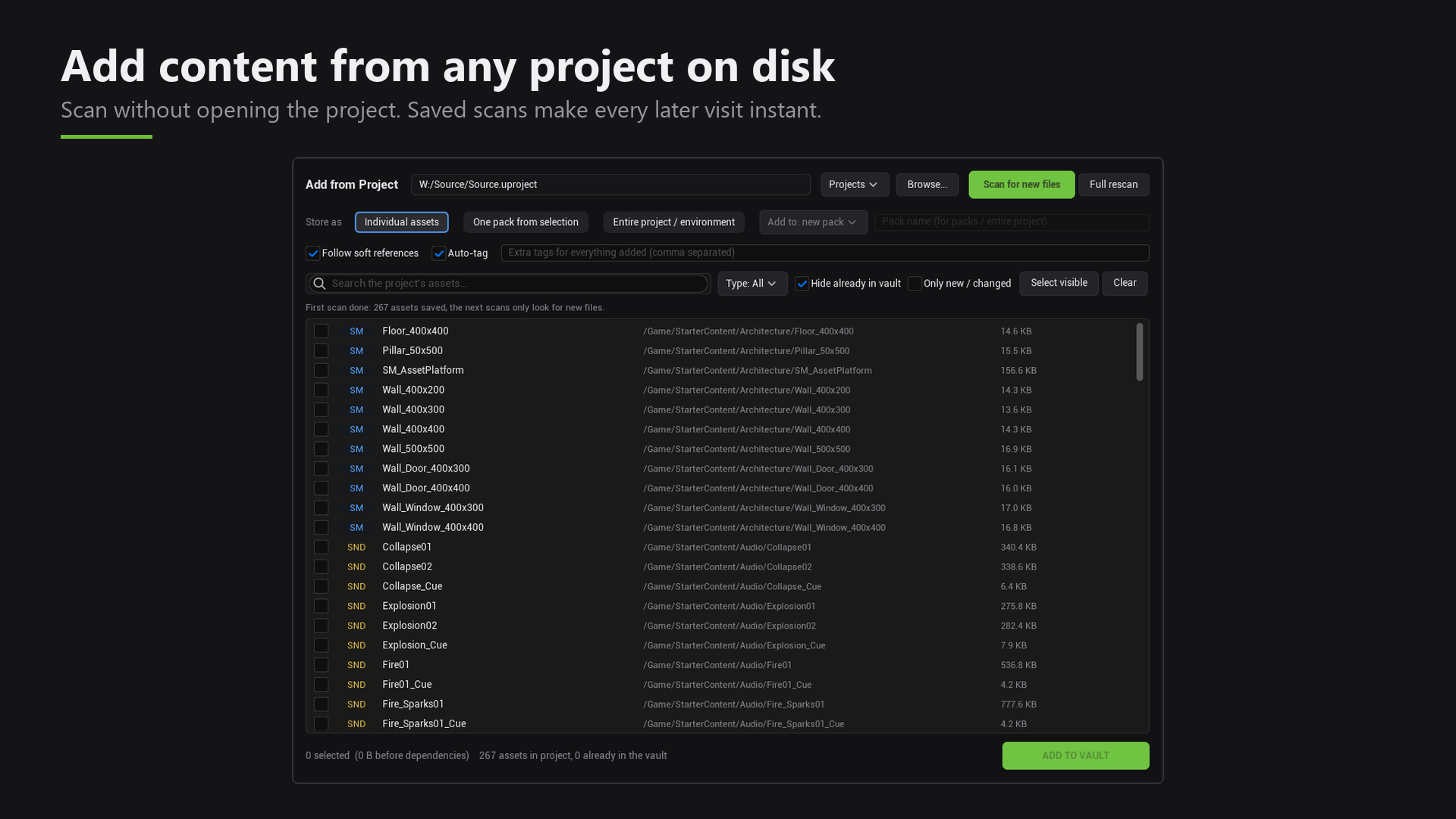
- Open Window > Asset Vault.
- Click Add from Project.
- Choose a
.uprojectfile. The project does not need to be open. - Pick what you want to store, then click Add to Vault.
2. Find it
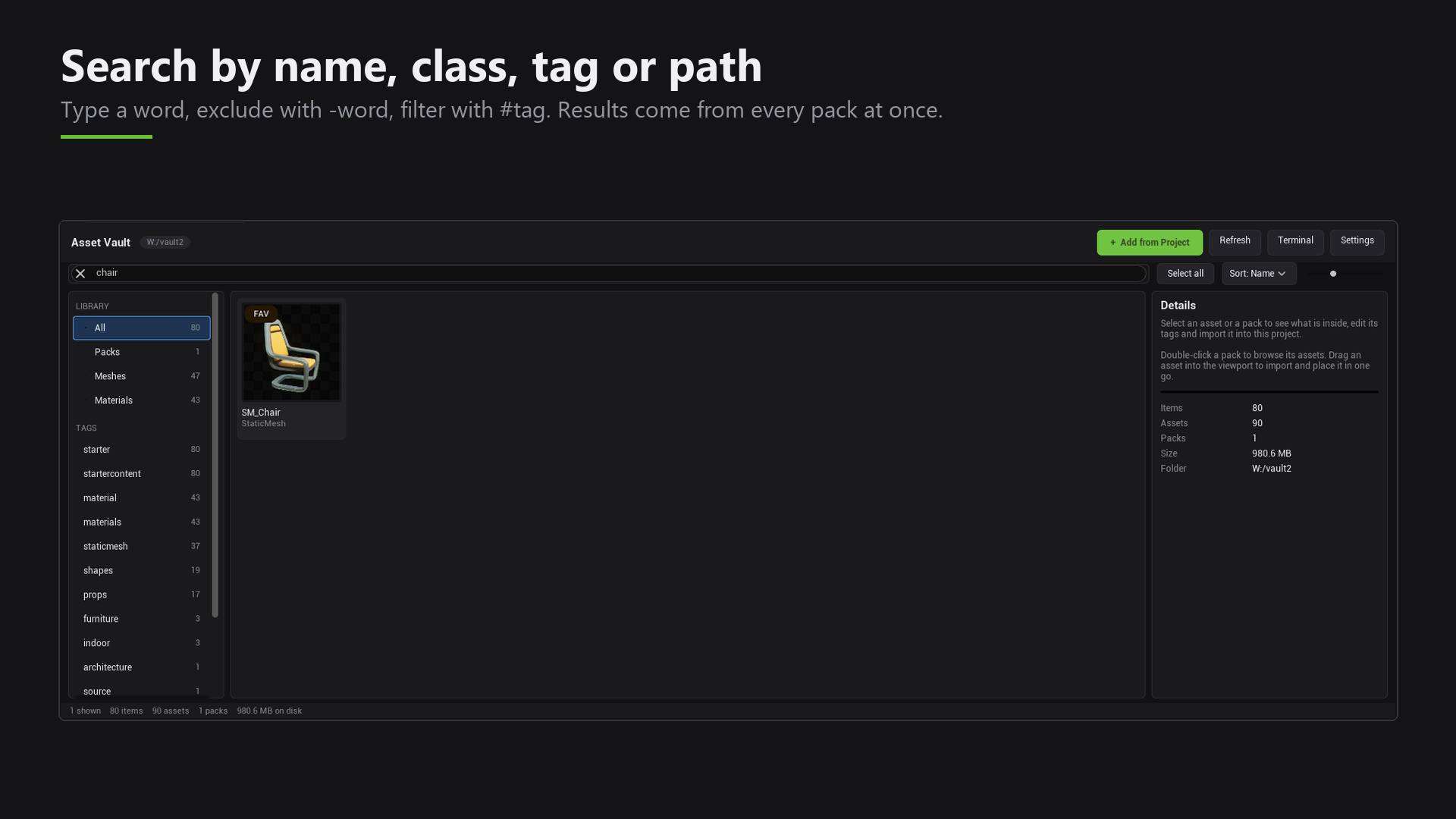
- Click the search box.
- Type a word, for example
chair.
Results from every pack appear right away.
3. Bring it into your project
- Click the asset.
- Click Import.
The asset is in your Content Browser, with its materials and textures. You can use it straight away. No restart is needed.
That's it. Read on to learn more about adding content, finding assets and importing.