Built-in terminal
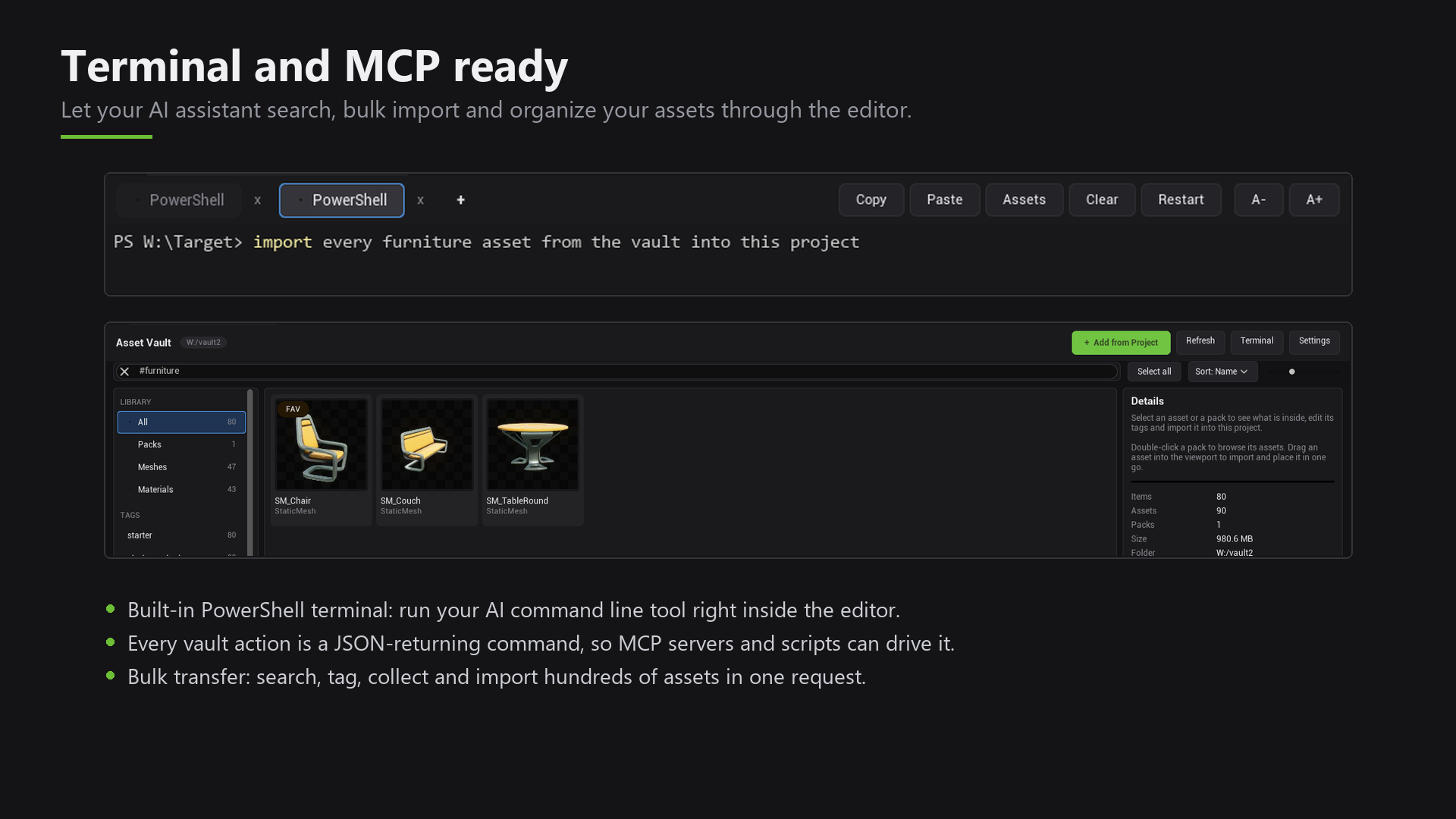
Asset Vault includes a terminal inside the editor, so you can run command line tools next to your viewport.
Open it
Go to Window > Terminal.
What it can do
- Several tabs
- Colors and scrollback
- Copy and paste
- Bigger or smaller text
- Starts in your project folder
Click Assets to paste the file paths of whatever you selected in the Content Browser. This is handy for command line tools.
Settings
Go to Edit > Editor Preferences > Plugins > Asset Vault to choose the shell and the font size. PowerShell is the default. Command Prompt and other shells also work.
If PowerShell is missing on your computer, the terminal shows a message. The rest of Asset Vault keeps working.